July 30, 2026
Best Website Security Features for Small Business 2026
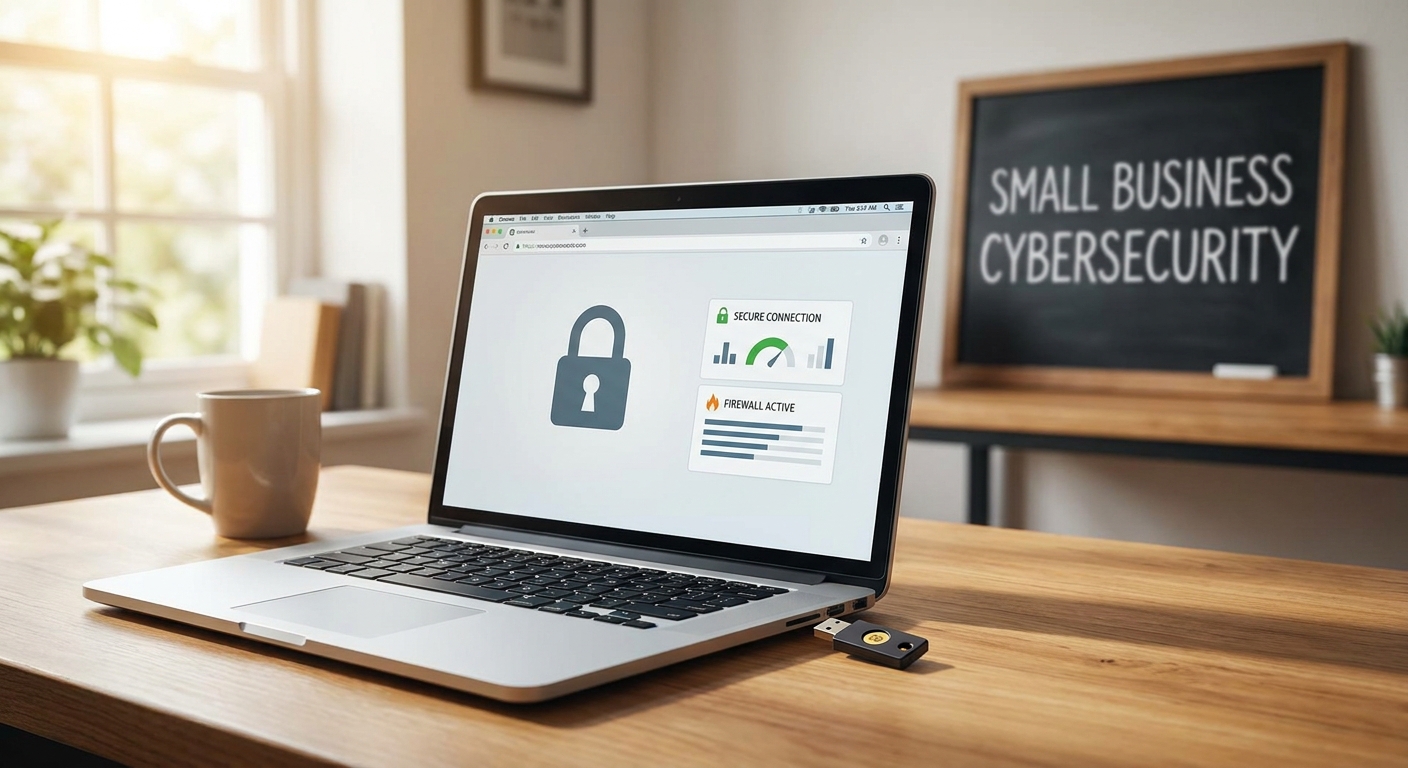
Small business websites get attacked the same way big companies do — just with a fraction of the defense budget. The best website security features for small business sites in 2026 aren't exotic add-ons; they're the basics applied consistently and never left to expire. This guide ranks eight features by how much risk they remove against how much they cost to run.
- SSL/TLS, automatic updates, and managed backups are the core of the best website security features for small business sites in 2026 — Buy all three.
- A web application firewall blocks bot traffic before it reaches your server; Buy if your site takes payments or leads.
- Two-factor authentication blocks over 99% of automated account-compromise attempts and costs nothing to turn on — Buy.
- Skip enterprise-grade DDoS protection unless your site is already a repeat target; most small business sites never need it.
Why this matters
Small businesses are not a side target. Verizon's annual Data Breach Investigations Report has repeatedly found that a large share of confirmed breaches hit organizations with under 250 employees — the exact profile of most restaurants, clinics, and contractors reading this. A hacked contact form or a defaced homepage doesn't just cost money to fix; it costs the trust of every visitor who sees a browser warning instead of your services.
Most of that risk traces back to a handful of missing or ignored features, not sophisticated attacks. An expired SSL certificate, an unpatched plugin from two years ago, a backup that was never actually tested — these are the openings. Fixing them is usually a matter of picking the right hosting plan and making sure someone is actually watching it, not a six-figure security budget.
How we ranked these features
Each feature below is scored against three questions: how much breach risk it actually removes, how often small business owners skip it, and how cheap it is relative to the damage it prevents. Features that block the most common attack vectors — credential stuffing, outdated software exploits, bot floods — rank above features that only matter once a site hits enterprise-level traffic or handles regulated data. The ranking assumes a typical small business site: a handful of pages, a contact or booking form, maybe an online store, and no dedicated IT staff.
The ranked list
1. HTTPS with an auto-renewing SSL/TLS certificate — the entry fee
Every major browser flags a non-HTTPS site as "Not secure" directly in the address bar, and Google has used HTTPS as a ranking signal since 2014. In 2026, a site without a valid certificate loses visitors before they read a word of copy. Auto-renewal matters more than the certificate itself — expired certificates are one of the most common self-inflicted outages small business owners report. Verdict: Buy. This is non-negotiable for every site, no exceptions.
2. Automatic software and plugin updates — the silent killer, patched
Most website compromises don't exploit a zero-day — they exploit a known vulnerability in a plugin or CMS version that was never updated. A site running six-month-old software is running six months of published exploits. Automatic updates, applied on a tested schedule rather than the moment they're released, close that window without breaking your layout. Verdict: Buy. Manual updates get skipped; automated ones don't.
3. Managed backups with one-click restore — the insurance policy
A backup you've never tested is not a backup. Daily automated backups stored off-server, with a restore process that takes minutes instead of days, turn a ransomware incident or a bad update from a disaster into an inconvenience. Ask specifically whether restores are included in your maintenance plan or billed separately per incident — that detail changes the real cost. Verdict: Buy. Skip this and every other feature on this list is a bandage.
4. Web application firewall (WAF) — the bouncer at the door
A WAF filters malicious traffic before it reaches your server: SQL injection attempts, bot scrapers, credential-stuffing scripts hammering your login page. For a site with a contact form, booking system, or online store, this is the difference between silent background noise and a server that slows to a crawl during a bot surge. Verdict: Buy for any site collecting leads or payments; Hold for a pure informational brochure site with no forms.
5. Malware scanning and removal — the smoke detector
Automated daily scans catch injected scripts, defacement, and hidden redirect malware before a customer — or Google Safe Browsing — flags the site. Manual scanning once a quarter catches nothing; infections that sit undetected for weeks do the most SEO damage, since Google can quietly de-index a flagged site. Verdict: Buy if scanning is bundled into your plan at no added cost; Wait if it's a $30-plus monthly add-on and your site has no e-commerce or user accounts.
6. Two-factor authentication (2FA) on admin logins — the lock on the back door
Microsoft's own account-security research has found 2FA blocks over 99% of automated account-compromise attempts. It costs nothing, takes under five minutes to enable, and stops the single most common way small business sites actually get taken over: a stolen or guessed admin password. Verdict: Buy. There's no legitimate reason to skip this in 2026.
7. Role-based admin access — the need-to-know policy
Every contractor, part-time marketer, or former employee with full admin access is a standing risk. Role-based permissions limit each login to only what that person needs — a blog editor doesn't need checkout or plugin access. Small teams treat this as optional; it's the reason a departed freelancer's forgotten login doesn't become an open door. Verdict: Buy once you have more than one person touching the backend; Skip if you're the sole admin.
8. DDoS protection and CDN-layer filtering — the overflow valve
Distributed denial-of-service protection absorbs traffic floods aimed at knocking a site offline. Most small business sites never see traffic spikes large enough to need dedicated DDoS mitigation — a solid CDN with basic rate-limiting covers the realistic risk. Verdict: Skip for most single-location businesses; Consider only if you've already been targeted or run a high-traffic e-commerce operation during peak seasons.
Comparison table
| Feature | Setup effort | Ongoing cost | Who needs it now | Verdict |
|---|---|---|---|---|
| HTTPS / SSL-TLS | Low | Included in most hosting | Every site | Buy |
| Auto software updates | Low | Included in maintenance plan | Every CMS-based site | Buy |
| Managed backups | Low | Included or low add-on | Every site | Buy |
| Web application firewall | Medium | Low-to-moderate | Sites with forms or checkout | Buy |
| Malware scanning | Low | Often bundled | Sites with e-commerce or logins | Buy/Wait |
| Two-factor authentication | Low | Free | Every site with an admin login | Buy |
| Role-based access | Low | Free | Sites with 2+ admins | Buy |
| DDoS protection | Medium | Moderate-to-high | High-traffic e-commerce only | Skip/Consider |
How to get these features without hiring a security consultant
Most small business owners don't need to shop for a firewall vendor and a backup vendor and a scanning vendor separately — that's three invoices and three logins to manage.
- Check what's bundled before you buy anything extra. Many subscription website plans already include SSL, backups, and update management in the base price.
- Ask what "maintenance" actually covers. Some plans patch software monthly; others patch same-day. That gap is the difference between closed and open vulnerabilities.
- Don't overpay for enterprise tiers you won't use. DDoS protection sized for a national retailer is wasted spend on a five-page local service site — match the feature list to your actual traffic and feature needs, not a worst-case scenario.
Get your site's security checked
See what your current hosting and maintenance setup actually covers.
What to avoid
- A security "badge" with no substance behind it. A trust seal image on your footer does nothing if the certificate it references expired eight months ago.
- Paying separately for features your host already bundles. Check your current hosting invoice before adding a third-party scanner or firewall service.
- Treating a WordPress plugin as "set and forget." Every plugin is a potential entry point until it's patched — a site running twenty plugins is running twenty separate risk clocks.
FAQ
What are the best website security features for small business sites in 2026?
The core set is HTTPS with auto-renewing SSL, automatic software updates, managed daily backups, a web application firewall, and two-factor authentication on admin logins. These five cover the vast majority of real-world small business breaches in 2026.
Do I need a firewall if my site is just a brochure with no forms?
A basic web application firewall is still worth having, but it's a lower priority than SSL, backups, and updates for a pure informational site. Once you add a contact form or booking tool, move it up to Buy.
How much does website security cost for a small business?
Most of the core features — SSL, backups, updates, 2FA — come bundled into a decent hosting or maintenance plan with no separate line item. Standalone premium firewall or scanning add-ons typically run an extra monthly fee on top of hosting.
Is two-factor authentication really necessary for a small site?
Yes. 2FA blocks over 99% of automated account-compromise attempts according to Microsoft's account-security research, and it takes under five minutes to enable at no cost. There's no reasonable argument for skipping it in 2026.
What happens if my small business website gets hacked?
Recovery time depends entirely on whether a tested backup exists. With one, restoring a clean version takes minutes; without one, you're rebuilding content and fixing search rankings that may have already dropped from a malware flag.
Do small businesses actually get targeted by hackers?
Yes — Verizon's Data Breach Investigations Report has found that a large share of confirmed breaches hit organizations with under 250 employees, not just large enterprises. Attackers automate scans for known vulnerabilities regardless of company size.
Is SSL the same as a firewall?
No. SSL/TLS encrypts data between the browser and server; a firewall filters malicious traffic before it reaches the server at all. You need both — they protect different points in the same system.
Do I need DDoS protection for a small local business site?
Most single-location small businesses never see traffic large enough to warrant dedicated DDoS mitigation. Skip it unless you already run high-traffic e-commerce during peak seasons or have been targeted before.
One last thing
The breaches that actually take down small business sites almost never start with a sophisticated hacker. They start with an SSL certificate nobody renewed, a plugin nobody updated since 2023, or a backup that was configured once and never checked again. Fix those three things in 2026 and the rest of this list becomes optional hardening, not damage control.