August 12, 2026
How to Build Trust Online as a Contractor (2026 Guide)
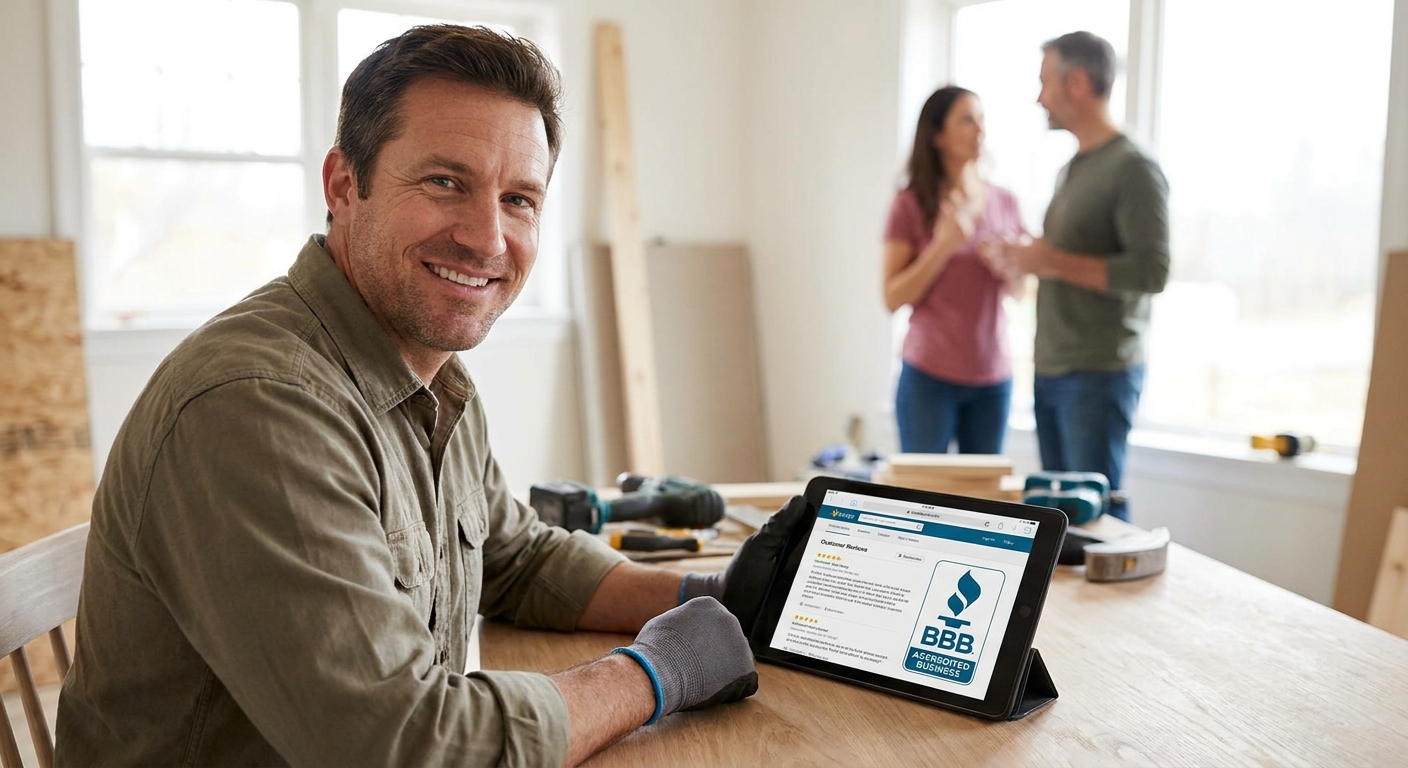
A new contractor with zero reviews and no name recognition can still win the job — if the website proves you're real, licensed, and easy to reach before the phone call happens.
- A website with license numbers, real job photos, and a working contact form outperforms a Facebook-only presence in 2026.
- Publishing 3-5 real project photos with captions builds more trust than a stock-photo hero image ever will.
- Google Business Profile plus a fast, secure website is the minimum bar for how to build trust online as a contractor in 2026.
- Verdict: skip the template builder, get a site with your license, insurance, and reviews visible on page one.
Why this matters
Homeowners hire strangers to work inside their house. That's the entire trust problem in one sentence.
Before 2026, a phone number and a truck logo were enough. Now a homeowner Googles your business name, checks if the site loads on their phone, and looks for proof you won't disappear with a deposit. If your site is slow, generic, or missing basic credentials, you lose the job to a competitor who spent less time on the tools and more time on the website.
New contractors don't have five years of reviews. What you do have is control over what your site says and shows today. That's the lever.
What you'll need
- Your contractor license number and state registration details
- Proof of insurance (general liability, bonding if applicable)
- 8-15 real photos from completed jobs — before/after pairs work best
- 3-5 short customer quotes or a link to third-party review profiles (Google, Yelp, Angi)
- A working contact form or click-to-call number tested on mobile
- A Google Business Profile claimed and verified for your service area
- A domain name that matches your business, not a subcontractor's marketplace subdomain
If you're comparing platforms before you build any of this, start with what website features for local service businesses actually move the needle — most contractor sites skip half of them.
The steps
1. Put your license and insurance on the homepage, not buried in an About page
This single move separates licensed contractors from unlicensed ones in a homeowner's mind within seconds. Put the license number, issuing state, and insurance carrier confirmation in the header or footer where it shows on every page.
Specific instruction: format it as a small labeled line — "Licensed & Insured, State License #XXXXX" — not a paragraph. Expected outcome: homeowners stop asking "are you licensed?" in the first call, which shortens your sales cycle.
Common mistake: listing the license number only on the Contact page. Most visitors never scroll that far.
2. Replace every stock photo with a real job photo
Stock photos of contractors in matching polos read as fake because they are. A homeowner can tell within two seconds, and that two seconds costs you the lead.
Upload 8-15 photos from actual completed jobs — messy garages, finished decks, before/after pairs of a kitchen or bathroom. Caption each with the job type and the city or neighborhood, if the client allows it. Choosing photos that build trust with customers covers the specific angles and lighting that read as authentic versus staged.
Expected outcome: time-on-page increases because visitors scroll through real proof instead of bouncing. Common mistake: cropping out mess, dust, or tools — a slightly rough job-site photo reads as more credible than a magazine-clean one.
3. Publish 3-5 reviews with full names and job details
A five-star rating with no context is easy to fake and homeowners know it. A review that says "Fixed our water heater on a Sunday, showed up in the quoted 90-minute window, charged exactly what was quoted — Sarah M., Elm Street" is not.
Pull your best 3-5 reviews from Google or Angi and reproduce them verbatim on a dedicated page, with a link back to the original platform. Expected outcome: conversion on your contact form rises because visitors verify the review is real before they call. Common mistake: paraphrasing reviews in marketing language — it strips the specificity that makes them believable.
4. Make the contact form work in under 15 seconds on mobile
Most contractor leads happen from a phone, standing in a driveway or kitchen, deciding fast. If your form asks for eight fields or the click-to-call button doesn't actually dial, you lose that lead to whoever answers first.
Cut the form to name, phone, job type, and a one-line description. Test the click-to-call button yourself, from your own phone, today. Expected outcome: form completion rate improves measurably once fields drop below five. Common mistake: routing form submissions to a shared inbox nobody checks daily — set up an alert or a text notification instead.
5. Claim and complete your Google Business Profile before you spend on ads
Many homeowners never visit your website directly — they see your Google Business Profile first, in the map pack, and decide whether to click through based on that alone.
Set up your Google Business Profile with your license number in the description, your service area defined accurately, and photos matching what's on your site. Expected outcome: map pack visibility improves and the profile becomes a second trust surface that reinforces the website. Common mistake: leaving the category as generic "Contractor" instead of the specific trade — roofing, plumbing, electrical.
6. Build the local SEO foundation so the trust signals get found
A trustworthy site nobody finds doesn't close jobs. Your city and service pages need to say the actual neighborhoods and towns you serve, not just "serving the greater metro area."
Review local SEO features for small business websites and confirm your site has structured data for your business type, a service-area page per major town, and consistent name/address/phone details matching your Google profile exactly. Expected outcome: your site starts appearing for "[trade] near me" searches within weeks, not months. Common mistake: NAP inconsistency between the website footer and the Google profile — even a suite number mismatch confuses the algorithm.
7. Choose a platform built for contractors, not a generic template
A slow, template-based site with a stock logo undercuts every credibility signal you just added. Homeowners associate site quality with job quality, whether that's fair or not.
Compare website platforms for contractors on load speed, mobile rendering, and whether the code is custom-built versus a drag-and-drop template. Expected outcome: bounce rate drops and pages load in under three seconds on mobile. Common mistake: choosing the cheapest builder and discovering later that changing a photo or adding a service page requires a developer you don't have.
“A homeowner decides whether you're trustworthy before you ever say a word — the website says it for you.”
Get a custom contractor website
Design, development, hosting and support in one flat monthly plan.
Troubleshooting
- No reviews yet. Ask your last 3-5 completed clients directly by text with a Google review link — most will do it within a week if asked while the job is fresh.
- License number looks fake to visitors. Link directly to the state licensing board's lookup page next to the number so it's verifiable in one click.
- Site loads slow on mobile. Compress every job photo before upload; a 4MB image from a phone camera can add seconds to load time.
- Contact form submissions go unanswered. Set a rule that every lead gets a reply within one hour during business hours — homeowners compare response speed across contractors.
- Google Business Profile shows the wrong service area. Edit the service-area radius to match where you actually work, not a default 25-mile guess.
Tools and resources
- Website features for local service businesses for the full checklist beyond trust signals
- Photos that build trust with customers for shot lists and captioning
- Google Business Profile setup guide for the exact fields to complete
- A custom-code website with hosting and support under one plan, no upfront build fees, built for exactly this kind of site
What to do next
Once the trust foundation is live, the next constraint is usually speed and platform choice — a trust-heavy page full of photos and reviews still needs to load fast. Compare website platforms for contractors before you commit to a builder you'll outgrow in a year.
FAQ
How do new contractors build trust online with no reviews yet?
Show real job photos, your license and insurance details, and ask your first 3-5 clients for a Google review within days of finishing the job. A site with visible credentials converts even before reviews accumulate.
What's the best way to display a contractor license on a website?
Put the license number and issuing state in the header or footer so it appears on every page, not just the About or Contact page. Link it to the state licensing lookup for instant verification.
Is a Google Business Profile more important than a website for contractors?
They work together, not against each other. Most homeowners see your Google profile first in local search, but the website is where they verify licensing, see full project photos, and submit a contact form.
How many photos should a contractor website have?
8 to 15 real job photos is a reasonable range for a new contractor site in 2026. Before/after pairs and captioned photos with job type and location perform better than uncaptioned galleries.
Do stock photos hurt a contractor's credibility?
Yes. Homeowners recognize generic stock photos of contractors in matching uniforms within seconds, and it reads as inauthentic. Real, slightly imperfect job-site photos build more trust than polished stock imagery.
How fast should a contractor's website load on mobile?
Under three seconds on mobile is the practical bar for 2026. Most contractor leads happen on a phone, and slow load times push homeowners to the next search result before the page finishes rendering.
What should be on a contractor's contact form?
Name, phone number, job type, and a one-line job description is enough. Forms with more than five fields see lower completion rates, especially from mobile visitors standing in a driveway making a fast decision.
One last thing
The fastest trust signal most new contractors skip is the simplest one: a working click-to-call button, tested from an actual phone, not just a desktop preview. If that button doesn't dial correctly, every other trust signal on the page never gets used.