August 10, 2026
Best Website Features for Catering Companies in 2026
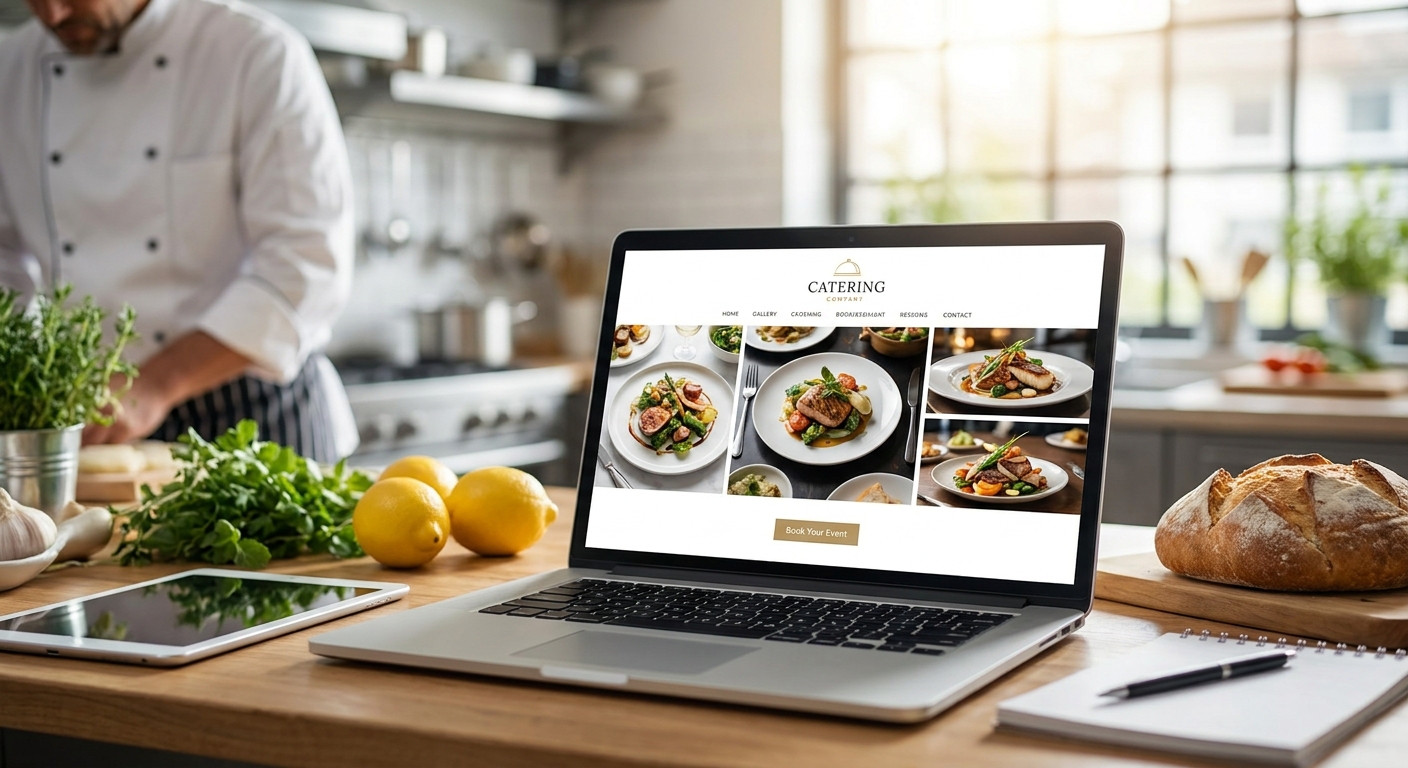
Catering companies lose bookings on the website, not the kitchen. A visitor lands on a site with no pricing signal, no photos of a real event, and a contact form that goes nowhere for three days — and books a competitor instead.
- A quote-request form with event type and headcount fields converts better than a generic contact form for catering companies in 2026.
- Photo galleries of real past events outperform stock food photography for building trust with corporate and wedding clients.
- Local SEO features (service-area pages, Google Business Profile sync) matter more for caterers than for most restaurants because catering is a searched, compared decision.
- Online booking for tastings and consultations cuts the back-and-forth email chain that kills momentum on a lead.
- Skip flashy menu PDFs on mobile — slow-loading downloads are the top reason catering leads bounce before they call.
Why this matters
A catering website has one job most restaurant sites don't: it has to sell a decision that hasn't happened yet. Nobody orders catering on impulse. They compare three or four companies, check photos, check a price range, and pick who responds first with something concrete.
That means the features that move the needle for catering are different from the features that move the needle for a dine-in restaurant. A restaurant online ordering system built for someone hungry right now doesn't map cleanly onto a bride booking a wedding six months out or an office manager sourcing lunch for 40 people next Thursday.
The list below ranks the features that actually change whether a catering site converts a visitor into a booked event in 2026, not a generic "good website" checklist.
How we ranked these
This ranking is built from what actually drives a booking decision for a catering business: speed of response, proof of past work, and how easily a stranger can figure out if you're in their budget and their area. Features that only look impressive — animated hero videos, giant PDF menus, chatbot pop-ups — rank low because they add load time and friction without adding proof.
Each feature below is judged on one question: does it get a real inquiry closer to a signed booking, or does it just decorate the page? The features are ordered from highest impact to lowest for a catering company specifically, not for small business websites in general.
The ranked features
1. Event-specific quote request form
The lead generator. A generic "Contact Us" form asks for a name and a message. A catering-specific quote form asks for event date, guest count, event type (wedding, corporate, private), and budget range in one step.
This matters because a caterer who gets "150 guests, corporate lunch, June 14" can send a real quote in minutes. A caterer who gets "Hi, interested in your food, call me" spends a day chasing details before they can even price the job. Verdict: Buy. This is the single highest-leverage feature on a catering site.
2. Real event photo galleries
The trust builder. Stock photography of a charcuterie board tells a bride nothing about whether you can handle her 200-person reception. A gallery of actual setups from actual events — tagged by event type — tells her exactly that.
Corporate and wedding clients are booking six figures of trust in someone they've never met in person before the tasting. Photos of real work close that gap faster than copy ever will. Nuvora builds these galleries with photo selection guidance built for trust, not just polish. Verdict: Buy.
3. Local service-area and SEO structure
The map pin. Catering is a local search category — "corporate catering [city]" and "wedding caterer near me" both carry buying intent, and Google rewards sites with clear service-area pages and a synced Google Business Profile over sites with one thin "About" page.
A caterer without local SEO features built into the site is invisible to the exact searches that produce bookings. This isn't optional in 2026 — it's the difference between showing up in the map pack and not showing up at all. Verdict: Buy.
4. Online tasting and consultation booking
The calendar killer. The average catering inquiry dies somewhere in a five-email chain trying to schedule a tasting. A booking calendar embedded on the site lets a lead pick a slot the moment interest is highest, instead of the moment someone finally answers an email.
Caterers running this the way service businesses run appointment scheduling close a noticeably higher share of warm leads, because the friction between "interested" and "booked a tasting" drops to one click. Verdict: Buy.
5. Package and pricing tiers
The budget filter. Hiding all pricing behind a quote form filters out serious buyers along with tire-kickers. Showing a starting range per person — even a wide one — lets a lead self-qualify before they ever contact you.
This doesn't mean publishing a full price list. It means giving enough of a signal that a $15-per-head office lunch shopper doesn't waste your afternoon requesting a quote meant for a $95-per-head plated wedding dinner. Verdict: Consider. Skip full pricing if your margins vary heavily by menu customization; keep it if your packages are standardized.
6. Client testimonials filtered by event type
The social proof, sorted. A wall of five-star quotes is generic. Testimonials tagged by event type — corporate, wedding, private party — let a visitor find proof relevant to their exact situation in seconds.
A bride skimming past twelve corporate-lunch reviews to find one wedding quote is a bride who leaves the page. Sorting by event type keeps the proof relevant to the visitor reading it. Verdict: Consider.
7. Downloadable full menu PDF
The old habit that costs bookings. A 12-page PDF menu feels thorough but loads slowly on mobile, isn't searchable, and can't be updated without re-exporting and re-uploading a file. Most catering traffic in 2026 comes from a phone at a desk during a lunch break, not a laptop with time to spare.
A scrollable on-page menu with categories beats a PDF on every metric that matters: load speed, mobile readability, and how easily you can update a price without touching a design file. Verdict: Skip the PDF-only approach; keep a PDF as a backup download if clients specifically request one.
Get your catering site built right
Custom code, no template. Design, hosting, and support in one plan.
Comparison table
| Feature | Why it matters for catering | Verdict |
|---|---|---|
| Event-specific quote form | Captures date, headcount, event type in one step | Buy |
| Real event photo galleries | Proves capacity and quality before the tasting | Buy |
| Local SEO / service-area pages | Wins the local searches that produce bookings | Buy |
| Online tasting/consultation booking | Removes the email back-and-forth that kills momentum | Buy |
| Package/pricing tiers | Filters serious leads from budget mismatches | Consider |
| Testimonials sorted by event type | Puts relevant proof in front of the right visitor | Consider |
| Downloadable full menu PDF | Slow on mobile, hard to update | Skip |
Where to get these features built
- Don't bolt features onto a template. A quote form with conditional fields, a filterable gallery, and synced local SEO pages need actual development, not a drag-and-drop plugin stacked on top of a theme.
- Ask who handles updates after launch. A menu changes seasonally. A pricing tier changes when ingredient costs move. If updating the site requires a developer ticket every time, the site will fall behind the menu within a year.
- Check whether hosting and support are bundled or separate. A catering site that goes down during wedding season because nobody renewed hosting is a lost booking, not just an inconvenience.
Nuvora builds catering sites this way: Starter and Growth subscription plans cover design, development, hosting, and support with no upfront build fee, and cancellation only requires notice. Custom code, not a template stack — the quote form, the gallery filtering, and the local SEO structure are built for the site, not adapted from a page builder.
FAQ
What are the best website features for catering companies in 2026?
An event-specific quote form, real event photo galleries, local SEO service-area pages, and online tasting booking are the four highest-impact features for a catering website in 2026. Pricing tiers and event-sorted testimonials help but matter less than those four.
Do catering websites need online ordering like restaurants?
No — catering sites need a quote request system, not an ordering cart. Restaurant online ordering tools are built for same-day impulse orders; catering bookings are planned weeks or months out and need date, headcount, and event-type capture instead.
Should a catering website show pricing?
Showing a per-person price range helps visitors self-qualify before contacting you, and it's worth doing if your packages are fairly standardized. Skip full pricing if quotes vary heavily by menu customization, since a wrong number posted online causes more confusion than it prevents.
Is a menu PDF still a good idea for a catering website?
A PDF-only menu is a weak choice in 2026 because it loads slowly on mobile and can't be updated without re-exporting a file. A scrollable on-page menu with categories performs better; keep a PDF only as an optional download.
How important is local SEO for a catering business website?
Local SEO is one of the top features for catering sites because catering searches like "corporate catering near me" carry direct buying intent. A site without service-area pages and a synced Google Business Profile misses that search traffic entirely.
What should a catering website's homepage include?
The homepage should show a photo of real past work, a clear quote-request path, and the event types served (weddings, corporate, private) within the first screen. A visitor deciding among several caterers should immediately see proof and a way to inquire.
How much does a custom catering website cost?
Costs vary by scope, but subscription-based website plans with no upfront build fee let a catering business get a custom site without a large initial payment. Check current plan details directly, since pricing and inclusions change.
Can I add booking and quote forms to an existing catering website?
Yes, most existing catering sites can add a quote form and booking calendar without a full rebuild, though older template-based sites sometimes need development work to support conditional form fields cleanly.
One last thing
The feature that quietly kills the most catering bookings isn't missing from the list above — it's response time. A quote form that emails a lead straight to a phone, checked within the hour, will outperform a site with every feature on this list if the competitor's form sits unread for two days. Build the features, then build the habit of answering them fast.