August 9, 2026
Best Website Features for Churches in 2026, Ranked
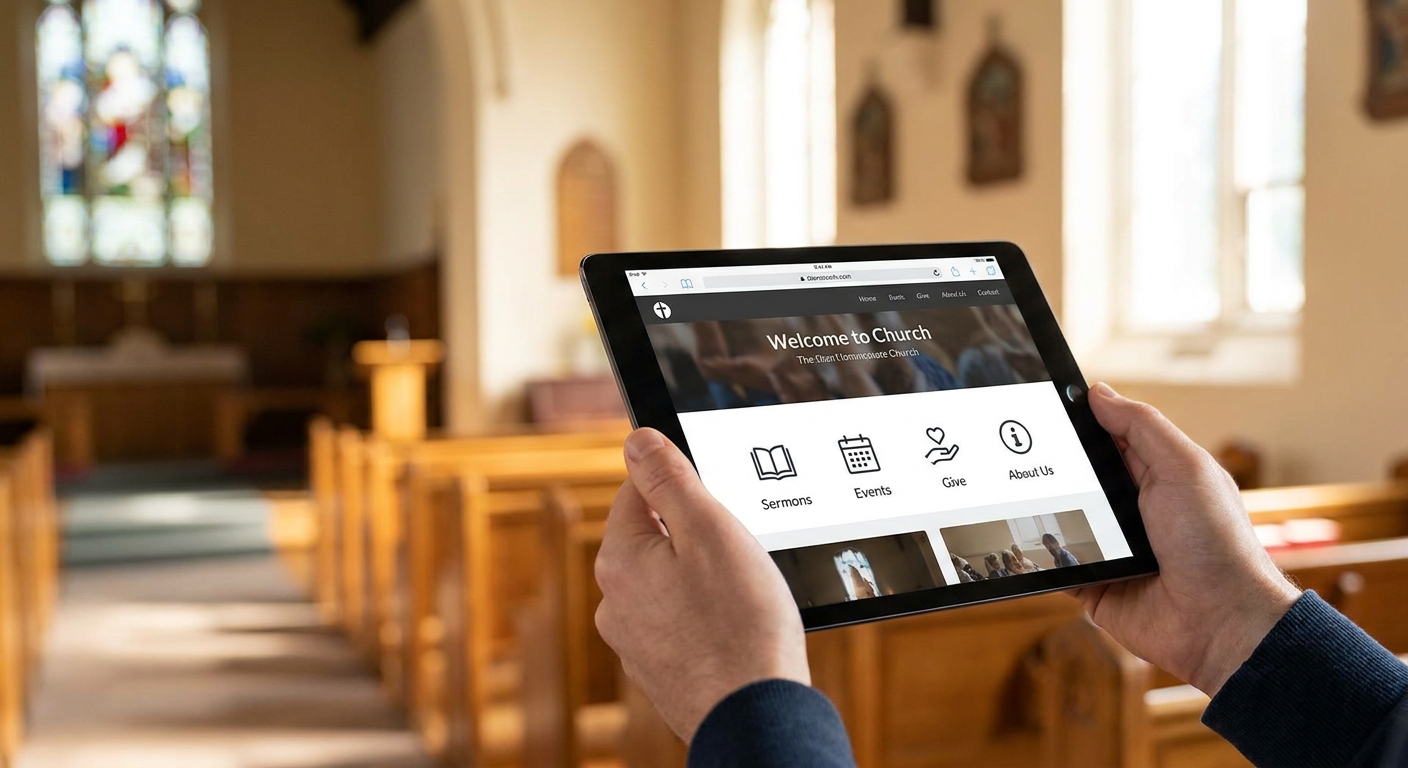
A church website in 2026 has one job: turn a first-time visitor's curiosity into a seat in the room on Sunday. The features below are ranked by how directly they move that needle, not by how impressive they sound in a sales pitch.
- Online giving is the top-ranked feature for churches in 2026 — build it before anything else. Buy.
- ADA-friendly design and page speed under 3 seconds decide whether visitors stay past the homepage. Buy.
- Sermon archives and staff directories build trust but rank below giving and speed. Consider.
- Security and update maintenance protect donation data and uptime on Sunday morning. Buy.
- Custom code beats a template site for churches that need giving, events, and accessibility working together.
Why this matters
Most people who visit a church website in 2026 have never set foot in the building. They're checking service times, reading the About page, and deciding whether the place feels like somewhere they'd bring their kids. A slow site or a broken giving button answers that question before a staff member ever gets the chance to.
Churches also run on volunteer time, not marketing budgets. The right features cut the number of phone calls, emails, and "where do I sign up" conversations your office staff fields every week. The wrong features — a flashy homepage video with no giving link, a photo gallery nobody updates — cost time and produce nothing.
How we ranked these features
Each feature is ranked on three things: how often it shows up as a stated priority for churches and nonprofits building or rebuilding a site, how directly it affects a first-time visitor's decision to attend or give, and how much ongoing maintenance it demands from a small or volunteer staff. Features that require constant upkeep with little payoff rank lower even when they look good in a demo.
The ranked list
1. Online giving and donation tools
The feature that pays for itself. A donation page that takes less than two minutes to complete, works on mobile, and supports one-time and recurring gifts removes the single biggest friction point in online giving. Churches that bury this link in a footer or route it through a clunky third-party redirect lose gifts they never see. Pair it with design guidance built for charities and nonprofits to get the layout and messaging right. Buy.
2. Event and small-group registration
The feature that fills the room before the room fills itself. A church running weekly services, seasonal events, and small groups needs a registration flow that doesn't require an email chain or a paper sign-up sheet. Built well, it also feeds attendance data back to staff without extra data entry. Buy.
3. Sermon and media archive
The archive visitors actually use. A searchable, dated library of past messages — audio or video — lets people catch up before their first visit and lets members revisit a sermon after service. It matters less than giving or speed, but it's the second thing most repeat visitors look for. Consider.
4. Mobile-first design and page speed
The make-or-break moment. Most first-time visitors check a church site on a phone, often in the parking lot before walking in. A site that loads in under 3 seconds and reads clean on a small screen keeps that person on the page long enough to find service times. One that stalls loses them to a text back to whoever invited them. Buy.
5. Accessibility and ADA-friendly design
The legal and ethical must-have. Screen-reader compatibility, proper color contrast, and keyboard navigation aren't optional extras in 2026 — they're the difference between a site that welcomes every visitor and one that quietly turns some away. Accessibility standards for small business and nonprofit sites apply directly here. Buy.
6. Staff and ministry directory
The trust builder. A page listing pastors, ministry leads, and how to reach each one answers the question every new visitor has before they show up: who am I actually going to talk to? Skip the stock-photo version of this page — real names and real contact info do the work. Consider.
7. Security and ongoing maintenance
The invisible feature that saves your Sunday. A site handling donation data, member information, and event sign-ups is a target, and an unpatched plugin or expired SSL certificate can take a giving page offline the exact week you need it most. Security practices for small business and nonprofit sites cover the baseline every church site needs. Buy.
8. Local search visibility
The feature new visitors find you with. Accurate service times, address, and hours synced to a Google Business Profile put your church in front of someone searching "church near me" this weekend. It's foundational, but it ranks below giving and speed because it drives discovery, not conversion. Buy.
Get your church site built right
Custom code, hosting, and support under one flat monthly plan — no upfront build fees.
Comparison at a glance
| Feature | Effort to maintain | First-visit impact | Verdict |
|---|---|---|---|
| Online giving | Low | High | Buy |
| Event registration | Medium | High | Buy |
| Sermon archive | Medium | Medium | Consider |
| Mobile speed | Low (once built right) | High | Buy |
| Accessibility | Low | High | Buy |
| Staff directory | Low | Medium | Consider |
| Security/maintenance | Low (with a support plan) | High (indirect) | Buy |
| Local search setup | Low | Medium | Buy |
Where to build these features
A template builder can bolt on a giving button and call it done. The problem shows up later: giving, event registration, and accessibility rarely work together cleanly on a page-builder stack, and every plugin update becomes a risk to the whole site.
- Build with custom code, not a stacked template. Templates get you a homepage fast; they don't get giving, events, and accessibility talking to each other without breaking something every few months.
- Put hosting and support in the same plan as the build. A church staff running on volunteer hours doesn't have time to chase three different vendors when the donation page goes down on a Saturday night.
- Confirm the plan covers updates, not just the initial launch. A site built in 2026 and never maintained again is a security risk by 2027.
Most church sites need 6 to 10 core pages to cover this properly: home, about, service times, ministries, giving, sermons, events, and contact. Anything beyond that is usually a nice-to-have, not a requirement.
FAQ
What are the best website features for churches in 2026?
Online giving, event and small-group registration, mobile speed, and accessibility rank highest for churches in 2026. Sermon archives and staff directories matter but rank below those four because they affect repeat visits more than first-time decisions.
Do churches need online giving on their website?
Yes. A donation page that takes under two minutes to complete and works on mobile removes the biggest friction point in online giving. Churches without one lose gifts from people who never call the office to ask how to give.
Is a template builder good enough for a church website?
A template works for a simple one-page site, but it struggles once giving, event registration, and accessibility need to work together reliably. Custom code handles that combination with less risk of one update breaking another feature.
How much does a church website cost in 2026?
Costs vary by scope, but a subscription-based build with design, hosting, and support avoids a large upfront build fee entirely. Check current plan details directly rather than relying on a flat industry number, since scope changes the price.
Does a church website need to be ADA compliant?
Yes. Screen-reader compatibility, proper color contrast, and keyboard navigation are standard expectations for any public-facing site in 2026, and churches are not exempt. Skipping accessibility turns away visitors before they ever reach the giving page.
How fast should a church website load?
Aim for under 3 seconds on mobile. Most first-time visitors check the site on a phone before walking in, and a slow load loses that visitor before they find service times.
What pages does a church website need?
Most church sites need 6 to 10 core pages: home, about, service times, ministries, giving, sermons, events, and contact. Fewer pages than that usually means missing information new visitors are looking for.
Who should maintain a church website after launch?
Whoever built it should also handle hosting, security updates, and support under the same plan. A site that goes unmaintained after 2026 becomes a security and uptime risk within a year.
One last thing
The feature that quietly determines whether every other feature works is maintenance. A church can have online giving, event registration, and a sermon archive all built correctly in 2026 and still lose them within a year if nobody patches security updates or renews hosting. Pick the plan that covers upkeep before you pick the features.