August 7, 2026
Web Design for Tax Preparers: 2026 Buying Guide
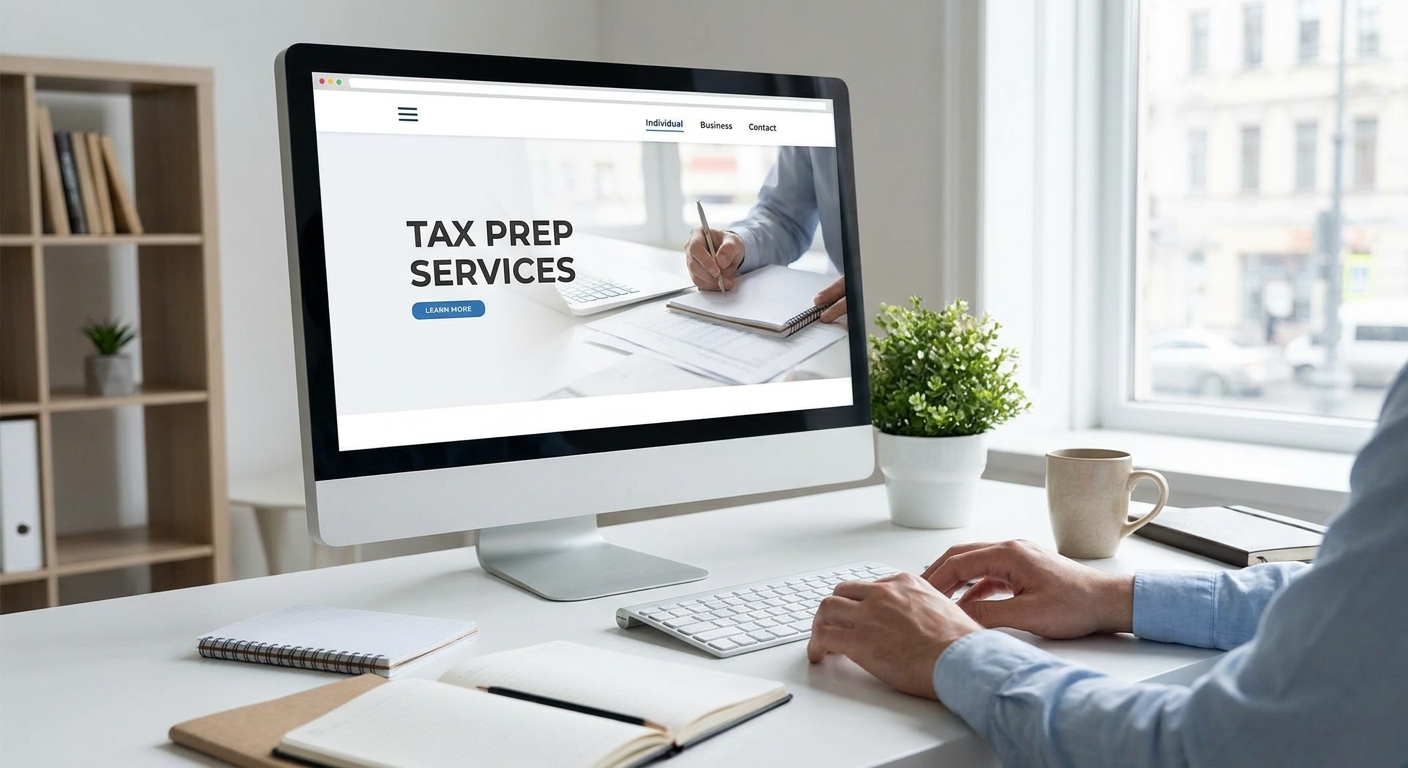
Most tax prep websites look like they were built in 2016 and never touched again — a stock photo of a calculator, a phone number, and a contact form that emails client Social Security numbers in plain text. That's a liability, not a website. This guide covers what web design for tax preparers actually needs to handle in 2026: secure intake, seasonal scheduling, and mobile speed, plus which build path fits a solo preparer versus a five-preparer office.
- Web design for tax preparers must handle encrypted document intake, not just a contact form — Buy on the Starter plan for solo preparers.
- Growth fits multi-preparer offices running back-to-back appointments from January through April 15, 2026 — Consider.
- Skip drag-and-drop site builders for tax prep; unencrypted forms don't meet the security expectations behind the FTC Safeguards Rule.
- Core Web Vitals targets a 2.5-second load time — slower sites lose 'tax preparer near me' searches to competitors.
- Tailored quotes cover multi-location firms or franchise-style offices that need custom booking logic Starter and Growth don't include.
Why this matters
A tax prep website isn't a brochure. It's the first place a nervous client uploads a W-2, a 1099, and sometimes a full year of bank statements. If that intake form isn't secured, the preparer is the one exposed — not the software vendor. The IRS's Publication 4557 puts the obligation to safeguard taxpayer data squarely on the paid preparer, and that obligation doesn't pause because the website was built cheap.
The other problem is seasonality. A tax office does most of its business between January and April 15, 2026, then goes quiet until extension season and year-end planning. A site that only talks about "tax season" loses eight months of search traffic from people asking about quarterly estimates, amended returns, or bookkeeping.
Who this is for
This guide is for solo enrolled agents, CPA-run tax offices, and multi-preparer firms that need a site to do three jobs at once: intake documents securely, book appointments during a four-month rush, and rank locally for searches like "tax preparer near me." It also applies to firms that blend tax prep with bookkeeping — a lot of the same web design considerations that apply to accountants and bookkeepers carry over directly, since both businesses handle sensitive financial documents and seasonal client volume. If you're running this out of a nuvoraweb.com-built site or comparing build options for the first time, the criteria below apply whether you file 50 returns a year or 2,000.
What to look for in web design for tax preparers
Secure document intake
A contact form that emails a client's SSN as plain text is the single biggest liability on most tax prep sites. Look for a client portal or encrypted upload tool built into the site, not bolted on with a third-party plugin nobody maintains. This is the one feature that separates a functioning tax prep site from a legal exposure. Preparers handling PTIN-required returns should treat this as non-negotiable, not a nice-to-have — the security features that matter for small business sites apply directly here, and tax prep sits at the high-risk end of that list.
Appointment and intake scheduling for the rush
Between January and April 15, 2026, a two-preparer office might book 15-20 appointments a week. A calendar embed that just links to a generic scheduler doesn't hold up under that volume — the site needs intake questions built into the booking flow so the preparer knows before the call whether it's a simple 1040 or a Schedule C mess. Offices that skip this end up playing phone tag during their busiest month.
Mobile-first speed
Google's Core Web Vitals benchmark sets Largest Contentful Paint at 2.5 seconds for a "good" score. Tax prep clients are searching from their phones between work and errands, often while stressed about a deadline. A slow site during that moment loses the click to the next result. Speed isn't a technical detail here — it's the difference between a booked appointment and a bounce.
Local SEO and Google Business Profile visibility
"Tax preparer near me" and "[city] tax prep" are local-intent searches, and Google weighs proximity, reviews, and a connected Google Business Profile heavily. A site with no schema markup, no location page, and a Google Business Profile that's never been touched loses to a competitor with three reviews and a filled-out profile every time.
Clear service and credential pages
Clients want to know fast: does this preparer handle a simple W-2 return, or do they do small business Schedule C and multi-state returns? A homepage that buries pricing structure and credentials (EA, CPA, PTIN) under vague copy makes the client do the work of figuring out fit. Spell it out by return type.
Top picks
Starter — the lean pick. Built for a solo preparer or a two-person office that needs one secure intake form, a mobile-first build, and a service page that separates individual returns from business returns. The spec that matters: one encrypted document upload flow replacing the plain-text contact form. Buy if you're a solo EA or CPA running under one location with a seasonal client list.
Growth — the built-out pick. Fits a multi-preparer office running back-to-back appointments across the January-to-April 15, 2026 window. The spec that matters: booking calendar with intake questions built in, so each appointment arrives pre-qualified by return complexity. Consider if you've got two or more preparers and you're currently losing time to phone-tag scheduling during peak weeks.
Tailored — the wildcard. For multi-location firms, franchise-style tax offices, or anyone needing custom booking logic across locations or preparers. The spec that matters: a quote scoped to the actual complexity of the build rather than a fixed plan. Consider if Starter and Growth both feel like the wrong shape for how your office actually operates.
Get a build scoped to tax season
See which plan fits a solo preparer or a multi-preparer office.
What to avoid
- Free drag-and-drop builders with a generic contact form. They look finished in an afternoon but the intake form isn't encrypted, and that's the part that matters for a tax preparer handling client SSNs.
- Stock photography of "generic accountant with calculator." Clients hiring a tax preparer want to see the actual person filing their return, not a stock model. Real staff photos convert better and build the trust a financial service needs.
- "Site in a day" platforms with no document security roadmap. Fast to launch, but most can't add a real encrypted portal later without a rebuild — which means paying twice.
Verdict comparison
| Plan | Secure intake | Scheduling built for rush | Mobile speed focus | Local SEO setup | Verdict |
|---|---|---|---|---|---|
| Starter | Yes, one intake flow | Basic calendar | Yes | Yes | Buy for solo preparers |
| Growth | Yes, portal-level | Booking + intake questions | Yes | Yes, expanded | Consider for multi-preparer offices |
| Tailored | Scoped to need | Custom logic | Yes | Scoped to need | Consider for multi-location firms |
FAQ
What's the best web design approach for tax preparers in 2026?
The best approach pairs a secure, encrypted document intake with mobile-first speed and local SEO setup, not a generic template. Tax prep sites handle sensitive client data, so the intake form matters more than the visual design.
Do tax preparers need a secure client portal on their website?
Yes, especially for any preparer collecting SSNs, W-2s, or bank statements through the site. A plain-text contact form doesn't meet the safeguarding expectations the IRS places on paid preparers under Publication 4557.
How much does web design for a tax preparation business cost?
Costs vary by scope, from flat monthly subscription plans covering design, hosting, and support, to tailored quotes for multi-location firms. Check current plan details directly rather than relying on a flat industry number.
Is a template builder good enough for a tax prep website?
A template builder can work for a basic brochure site but usually can't add a real encrypted document portal without a rebuild later. That becomes a bigger cost than building it correctly the first time.
What should a tax preparer's homepage include?
It should state credentials (EA, CPA, PTIN), separate individual returns from business returns, and lead with a booking or intake call-to-action. Vague copy that doesn't specify return types makes clients do extra work to find fit.
How important is mobile design for tax prep sites?
Very important — most local searches for tax help happen on a phone, often while a client is under deadline stress. A site that doesn't load in about 2.5 seconds loses that click to a faster competitor.
Does a tax prep website need to be ADA compliant?
Accessibility matters for any small business site handling financial services, since it affects both usability and legal exposure. Building it in from the start costs less than retrofitting it after a complaint.
Should tax preparers list their PTIN on their website?
Listing PTIN, EA, or CPA credentials builds trust fast, since it's the first thing a client checks before handing over financial documents. It also signals legitimacy against unlicensed preparers competing on price alone.
One last thing
Most tax prep sites only talk about April. Build the site to talk about the other eight months too — quarterly estimated payments, extension filing, year-end bookkeeping cleanup — and it keeps generating search traffic and bookings after the deadline passes, instead of going dark until next January.