July 26, 2026
Website Design for Gyms 2026: Best Models Ranked
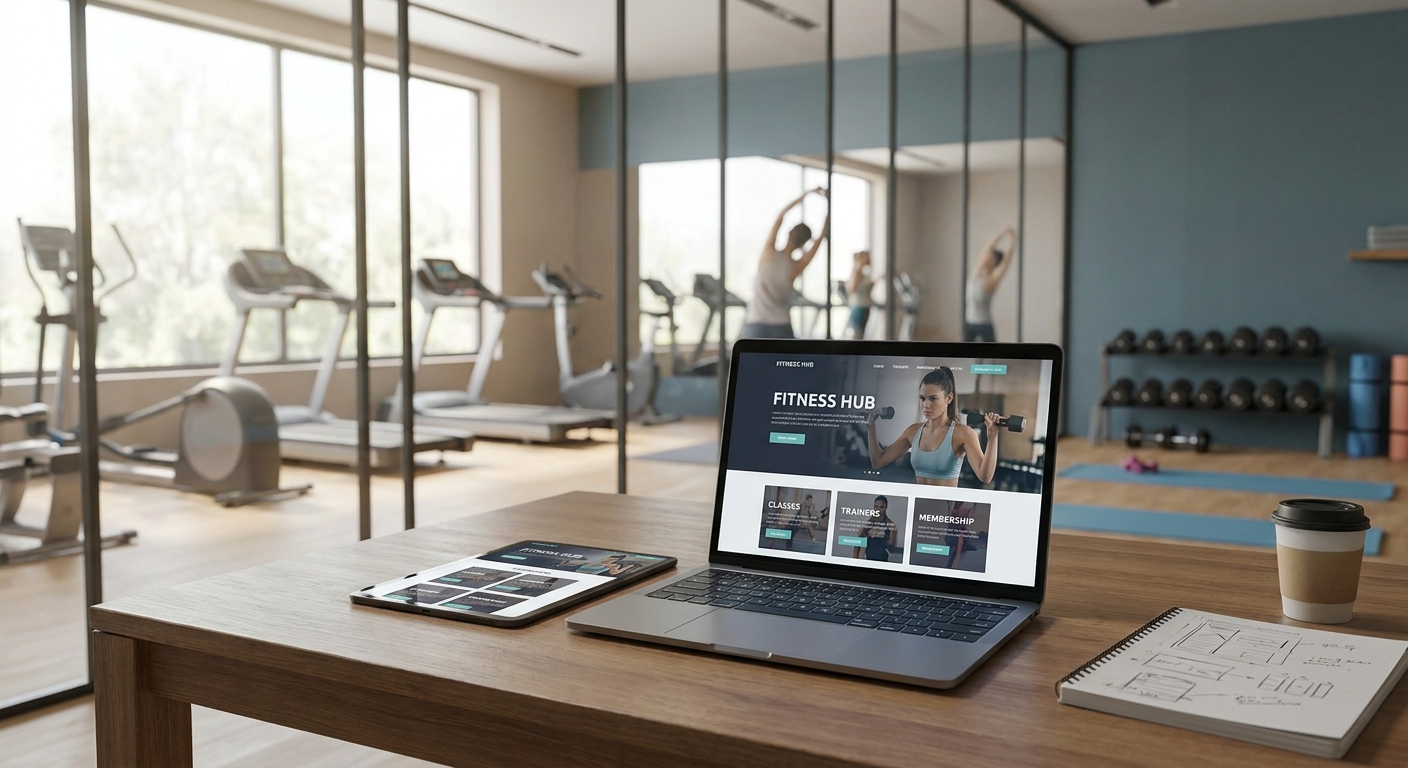
Gym and fitness studio websites live or die on one thing: can a stranger book a class or start a trial membership in under 30 seconds without calling anyone. Everything else on the page is decoration.
This guide breaks down what actually matters in website design for gyms, which site models fit which business type, and what to skip because it looks good in a mockup and does nothing for signups.
- Website design for gyms succeeds or fails on booking friction, not visual polish.
- Boutique studios need a class-schedule-first homepage; multi-location gyms need dedicated location pages. Buy both, skip a generic one-pager.
- Pages should load under 2.5 seconds on mobile in 2026 or drop-off climbs fast.
- A custom-built fitness studio website beats a stock template once membership signup and hosting maintenance are factored in.
Why this matters
A gym's website is the first rep a prospect does before they ever walk in. If the schedule is buried three clicks deep, or the "Join Now" button opens a broken form, that prospect books somewhere else in under a minute.
In 2026 most fitness-studio traffic hits the site from a phone, mid-scroll, mid-decision. Website design for gyms has to be built for that moment specifically, not repurposed from a generic small-business template with a barbell icon swapped in.
A custom-built website that's actually maintained month to month catches broken forms and outdated class times before a member notices. A static site built once and never touched doesn't.
Who this is for
This guide is for gym owners, boutique studio operators, personal trainers building a coaching brand, and multi-location fitness franchises who need a site that converts browsers into booked trials, not just a digital business card. If your current site can't show today's class schedule without an app, or your membership signup form emails you a PDF instead of processing a card, you're the target reader.
What to look for in website design for gyms
Class schedule and booking integration
A schedule that isn't live is worse than no schedule at all, because it sets a wrong expectation and the front desk eats the complaint. The booking widget needs to sit above the fold on mobile, not buried in a dropdown menu three taps deep.
Mobile-first layout, not mobile-friendly
There's a real difference between a site that resizes on a phone and one designed for a phone first. Buttons need to be thumb-sized, forms need to autofill, and the "Book a class" call to action should never require a horizontal scroll to find.
Membership and payment flow
A prospect who fills out a lead form and waits two days for a callback has usually joined a competitor by then. Direct membership signup or trial booking, with payment processing built in, closes that gap.
Load speed under real conditions
Google's Core Web Vitals benchmark puts Largest Contentful Paint at 2.5 seconds or under for a "good" mobile experience. A hero video autoplaying at full resolution routinely blows past that, which is why heavy video backgrounds are one of the most common gym-website mistakes.
Location pages for multi-site gyms
A franchise with three or five locations needs a distinct page per location with its own address, schedule, and trainer roster. A single "Locations" dropdown buried in the nav loses local search visibility that individual pages would otherwise capture.
Real photo and video proof
Stock photography of generic gym equipment reads as generic because it is. Real class photos, a 15-second clip of an actual session, and a handful of specific member results carry more weight on a fitness site than any amount of stock imagery.
Top picks: which website model fits which gym
These are the five site models that come up repeatedly across gym, studio, and coaching businesses. Pick the one that matches your business, not the one that looks flashiest in a template gallery.
The essential build — single-location boutique studio. Hook: this is the model most yoga, pilates, and small group-training studios actually need. One spec that matters: a booking widget with live class capacity shown on the page, not a static PDF schedule. Verdict: Buy — this is the baseline, not an upgrade.
The multi-location franchise site. Hook: built for gyms running three or more locations under one brand. One spec that matters: individual location pages with unique schedules and staff bios, since a shared page tanks local search for every location but one. Verdict: Buy if you operate more than one site, Skip if you're single-location — it's overbuilt for one address.
The personal-training or coaching brand site. Hook: built around one coach's authority, not a facility. One spec that matters: a booking calendar tied to one person's availability, not a class grid. Verdict: Consider — strong for solo trainers building a client roster, unnecessary if you're running a staffed facility.
The CrossFit or functional-fitness box site. Hook: community-first design, heavier on member story and less on polish. One spec that matters: a leaderboard or community feed embedded on the homepage, since that audience checks it daily. Verdict: Buy for boxes with an active member community, Skip if your members are mostly drop-in.
The bare template with a booking plugin bolted on. Hook: the cheapest option on paper. One spec that matters: most plugin-based booking widgets aren't built mobile-first, so the tap targets are too small on a phone screen. Verdict: Skip — it costs less upfront and costs more in lost trial bookings every month after.
Get a gym website that actually books classes
Custom-built site, hosting, and maintenance under one flat monthly plan.
What to avoid
- A hero video that loads before the schedule does. It looks premium in a pitch deck and adds seconds to load time that a prospect never waits through.
- A contact form as the only path to book. Service businesses like plumbing companies can get away with a callback-request form because the buying cycle is slower — see how website design for plumbers handles that differently. A gym prospect deciding whether to try tonight's 6 p.m. class won't wait for a callback.
- Generic stock photography of unbranded equipment. It signals a template site instantly, and fitness buyers specifically are shopping on vibe and community fit, not just price.
Verdict comparison
| Site model | Best for | Key requirement | Verdict |
|---|---|---|---|
| Essential boutique build | Single-location studios | Live class booking widget | Buy |
| Multi-location franchise | 3+ locations | Unique page per location | Buy (multi-site only) |
| Coach/trainer brand site | Solo personal trainers | Availability-based calendar | Consider |
| CrossFit/box community site | Active member communities | Embedded leaderboard/feed | Buy (community-driven) |
| Bare template + plugin | Budget-first buyers | None built mobile-first | Skip |
FAQ
What's the best website design for a gym in 2026?
The best website design for a gym in 2026 puts live class booking above the fold on mobile and keeps page load under 2.5 seconds. A boutique single-location studio needs a schedule-first homepage; a multi-location gym needs a dedicated page per site.
Do gym websites need online booking integration?
Yes. A gym website without live booking pushes prospects to call or email, and most drop off before completing that extra step. Direct class booking or trial signup on the page converts far more of that traffic.
How fast should a fitness studio website load?
Under 2.5 seconds for Largest Contentful Paint on mobile, which is Google's Core Web Vitals threshold for a good experience. Autoplay hero videos are the most common culprit when a gym site misses that mark.
Is mobile-first design necessary for gym websites?
Yes, because most prospects check class schedules from a phone mid-decision, not from a desktop browser. A site that's merely mobile-friendly, rather than built mobile-first, tends to have undersized buttons and slower form fills.
Should multi-location gyms have separate location pages?
Yes. A shared locations dropdown loses local search visibility that individual pages, each with their own schedule and staff, would otherwise capture for every site but one.
How much does a gym website cost in 2026?
Costs vary by scope, from a basic booking-enabled site to a multi-location build with individual location pages. A flat monthly subscription that bundles design, hosting, and maintenance is worth comparing against a one-time build with separate hosting fees.
Can a gym website replace booking software entirely?
A well-integrated site can embed booking software directly on the page so members never leave the site to reserve a class. It doesn't replace the booking backend, but it removes the extra click to reach it.
How often should a gym website be updated?
Class schedules, trainer rosters, and promotions typically shift monthly, and a site under active maintenance catches those changes before a member hits a stale page. A site built once and left alone tends to drift out of date within a few months.
One last thing
The single biggest signup killer on gym websites isn't design at all — it's a booking form that still shows last month's class schedule. A site can look sharp and lose every prospect who shows up expecting a 6 a.m. class that hasn't run in three weeks. Fix the update cadence before the color palette.